
![[Olakunlevpn] PhpCaptcha](/data/resource_icons/27/27795.jpg?1780076160)
- XF Compatibility
- 2.3.x
- Short Description
- Embeddable image CAPTCHA for XenForo 2.3+ with privacy-first features like no external API requests and GDPR compliance. Lightweight, customizable, and integrates seamlessly into user registration, login, and contact forms.
[Olakunlevpn] PhpCaptcha is a fully self-hosted image CAPTCHA for XenForo 2.3+. No Google, no Cloudflare, no external API requests, every challenge is generated, served, and validated by your own server using the https://github.com/olakunlevpn/phpcapcha GD library.
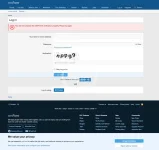
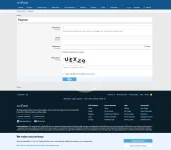
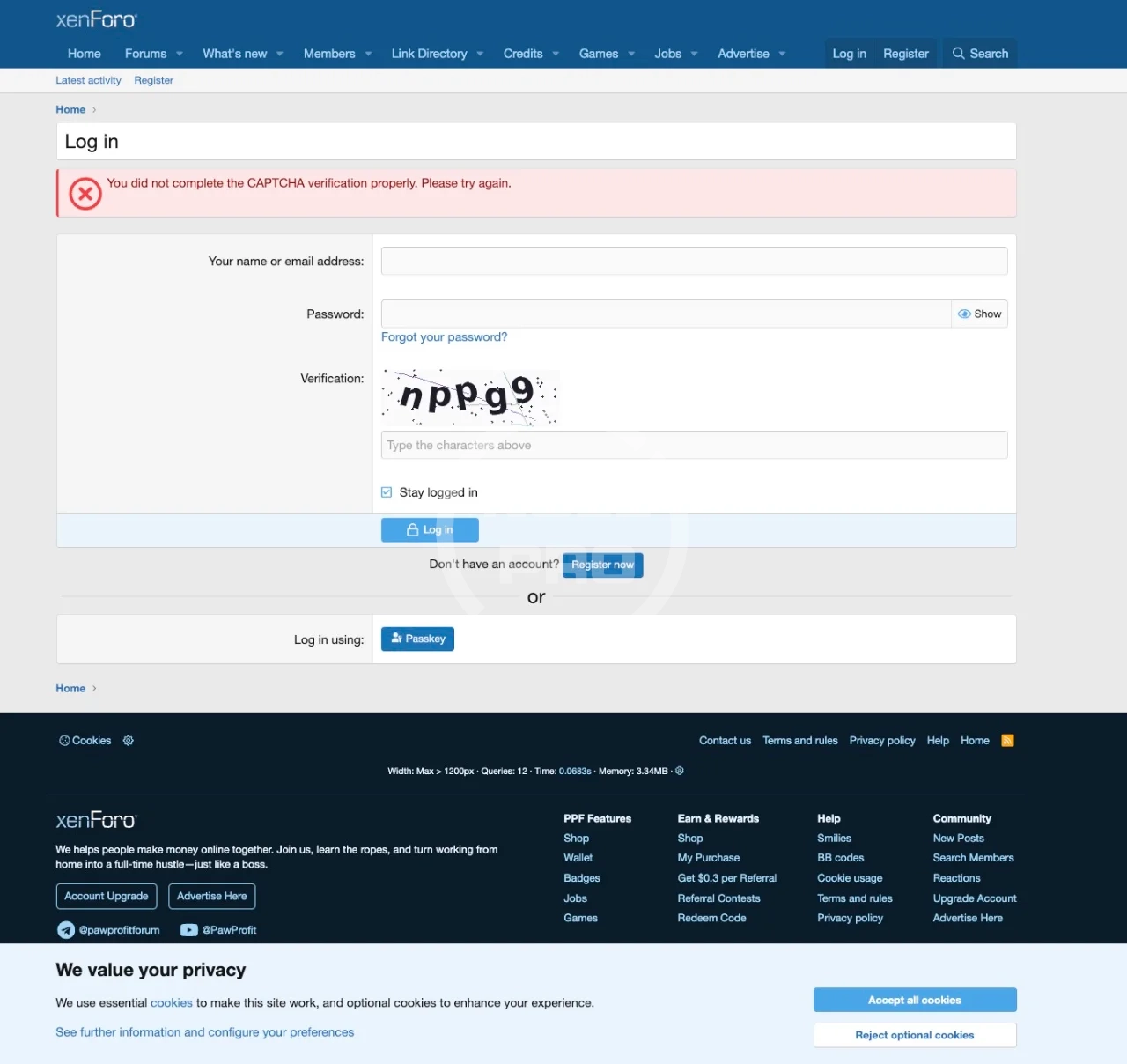
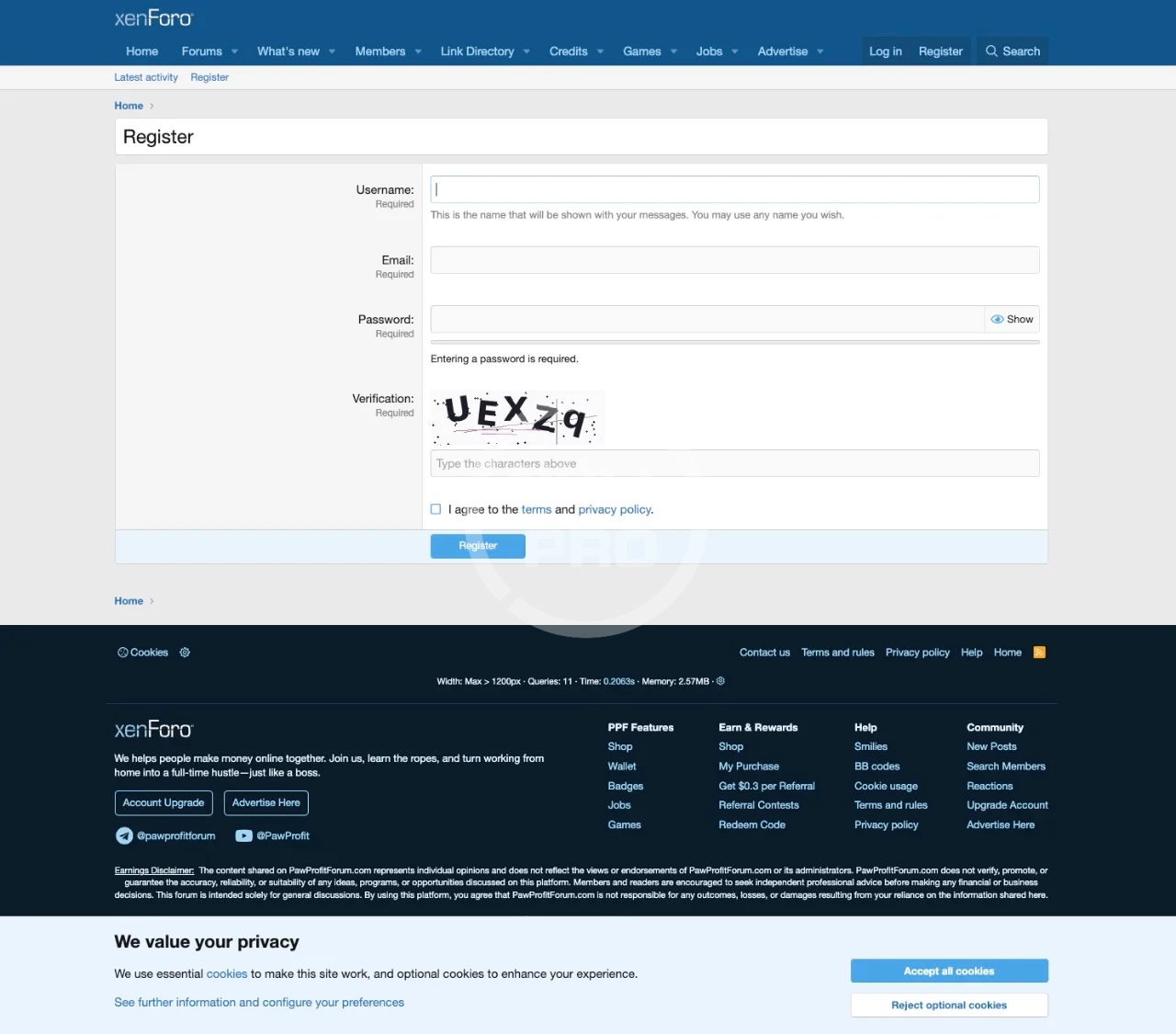
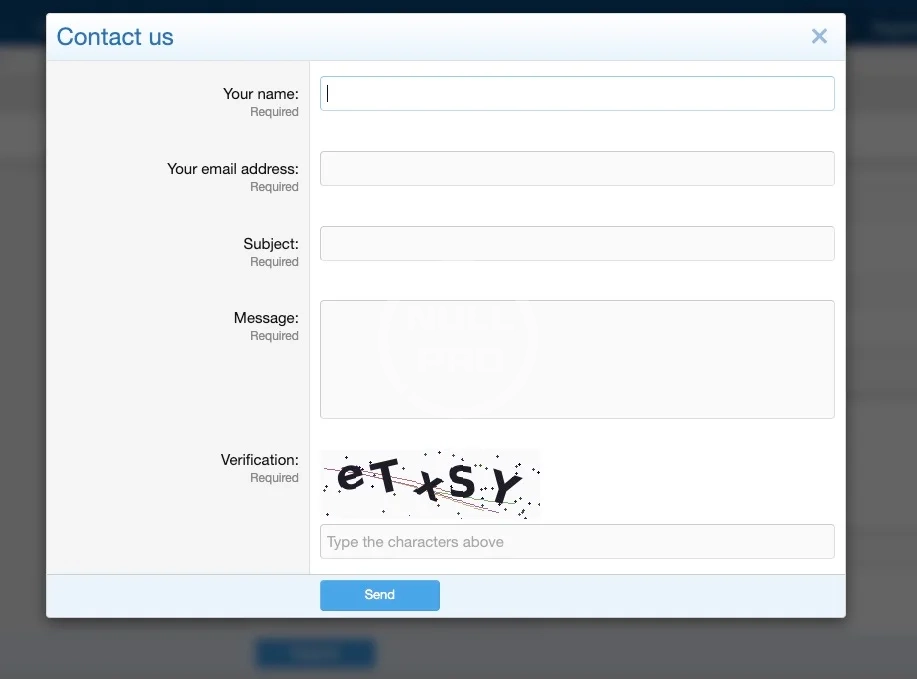
It's embeded automatically wherever XenForo renders a CAPTCHA: registration, login, lost password, contact form, and new thread/post
Why use it:
- Privacy-first: no user data leaves your server, no third-party cookies, GDPR-friendly out of the box.
- Works on localhost & private TLDs: unlike hCaptcha/Turnstile, which silently bypass on local domains.
- Always-on login CAPTCHA: optional override that shows CAPTCHA on every login attempt, not just after N failed tries.
- Lightweight: single PHP class, bundled font, base64 inline image (no extra HTTP requests per CAPTCHA).
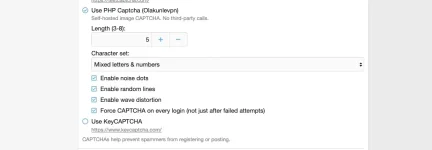
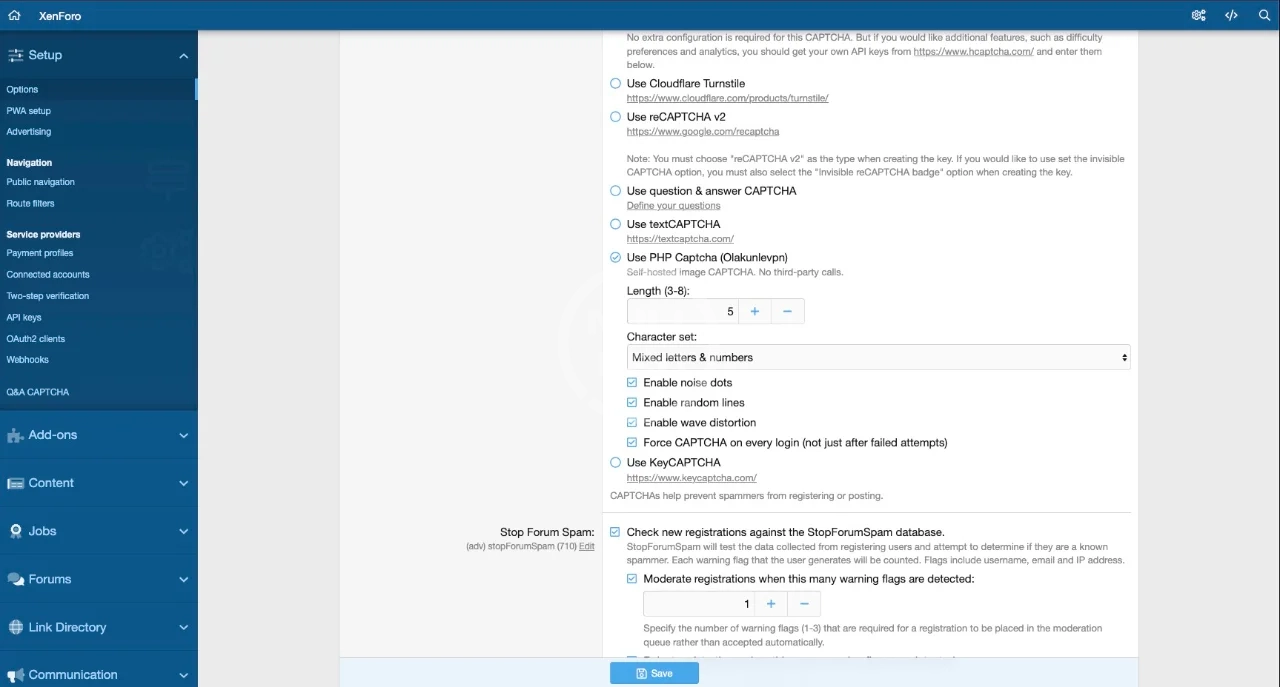
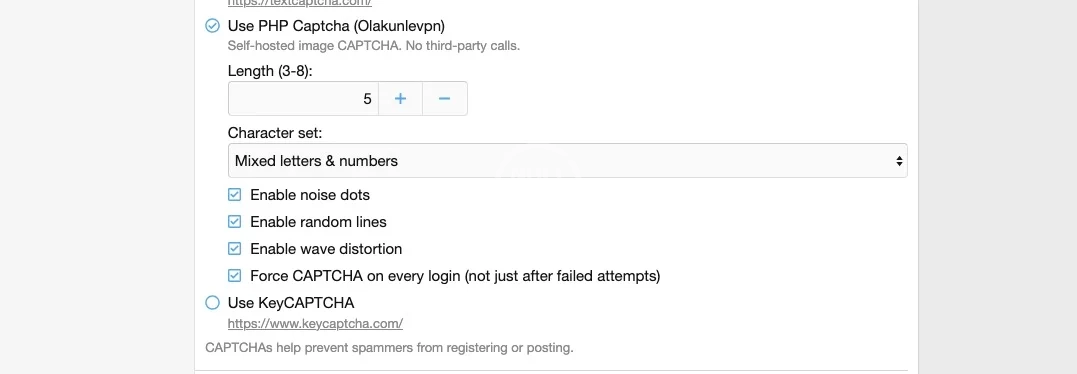
- Configurable: length (3–8), character set (mixed / letters / numbers / simple math), noise dots, distortion waves, random lines.
Major Features:
- Drop-in replacement for hCaptcha / reCAPTCHA / Turnstile via ACP CAPTCHA chooser.
- Inline base64 PNG delivery: no separate image endpoint, no extra requests.
- Wave distortion + noise dots + random lines for bot resistance.
- Four challenge modes: mixed alphanumeric, letters only, numbers only, simple math (a + b).
- Force CAPTCHA on every login (toggle in ACP).
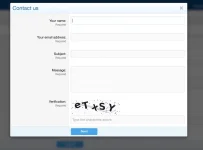
- Contact form CAPTCHA repositioned below the message field for cleaner UX.
- Auto-cleanup of expired challenges via XenForo's built-in CAPTCHA log cron.
- All UI text uses XenForo phrases: fully translatable.
Installation:
1. Download and extract the archive.
2. Upload the upload/ contents to your XenForo root.
3. In ACP, go to Add-ons → install [Olakunlevpn] PhpCaptcha.
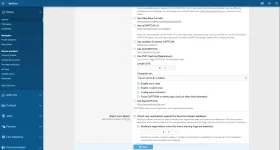
4. Go to Options → User Registration → CAPTCHA, select Use PHP Captcha (Olakunlevpn), configure length / type / noise / lines / distortion / force-on-login, then Save.
It's embeded automatically wherever XenForo renders a CAPTCHA: registration, login, lost password, contact form, and new thread/post
Why use it:
- Privacy-first: no user data leaves your server, no third-party cookies, GDPR-friendly out of the box.
- Works on localhost & private TLDs: unlike hCaptcha/Turnstile, which silently bypass on local domains.
- Always-on login CAPTCHA: optional override that shows CAPTCHA on every login attempt, not just after N failed tries.
- Lightweight: single PHP class, bundled font, base64 inline image (no extra HTTP requests per CAPTCHA).
- Configurable: length (3–8), character set (mixed / letters / numbers / simple math), noise dots, distortion waves, random lines.
Major Features:
- Drop-in replacement for hCaptcha / reCAPTCHA / Turnstile via ACP CAPTCHA chooser.
- Inline base64 PNG delivery: no separate image endpoint, no extra requests.
- Wave distortion + noise dots + random lines for bot resistance.
- Four challenge modes: mixed alphanumeric, letters only, numbers only, simple math (a + b).
- Force CAPTCHA on every login (toggle in ACP).
- Contact form CAPTCHA repositioned below the message field for cleaner UX.
- Auto-cleanup of expired challenges via XenForo's built-in CAPTCHA log cron.
- All UI text uses XenForo phrases: fully translatable.
Installation:
1. Download and extract the archive.
2. Upload the upload/ contents to your XenForo root.
3. In ACP, go to Add-ons → install [Olakunlevpn] PhpCaptcha.
4. Go to Options → User Registration → CAPTCHA, select Use PHP Captcha (Olakunlevpn), configure length / type / noise / lines / distortion / force-on-login, then Save.
-
 1779720011845.webp
 -
 Screenshot 2026-05-25 at 01.48.27.webp
 -
 Screenshot 2026-05-25 at 01.48.48.webp
 -
 Screenshot 2026-05-25 at 01.49.00.webp
 -
 Screenshot 2026-05-25 at 01.49.32.webp
 -
 Screenshot 2026-05-25 at 01.49.47.webp


![[Olakunlevpn] Gamer Avatar Packs](/data/resource_icons/27/27200.jpg?1770061414)
![[Olakunlevpn] Hear About Us](/data/resource_icons/28/28096.jpg?1785467472)
![[Olakunlevpn] Popular Tags Cloud](/data/resource_icons/27/27063.jpg?1768461044)