

- XF Compatibility
- 2.3.x
- Short Description
- Adds Cap, a privacy-friendly self-hosted proof-of-work CAPTCHA for XenForo websites. No images or clicks required; runs entirely in the background without sending data to third parties. Requires your own server setup and a unique site key per forum. Setup involves creating a Docker container, setting up HTTPS, and configuring the add-on within XenForo's admin panel.
Adds Cap, a self-hosted, privacy-friendly proof-of-work CAPTCHA as a guest CAPTCHA provider in XenForo.
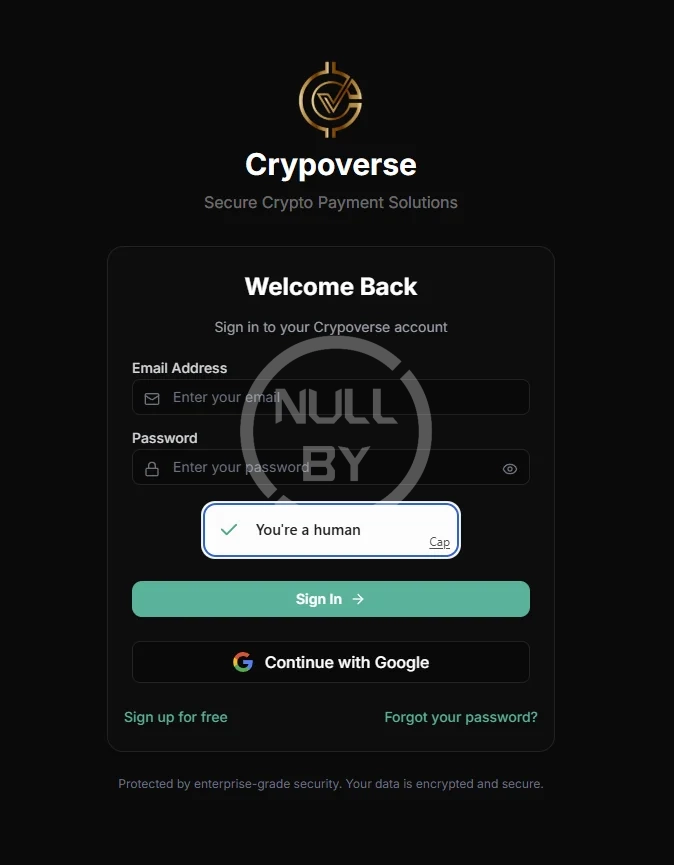
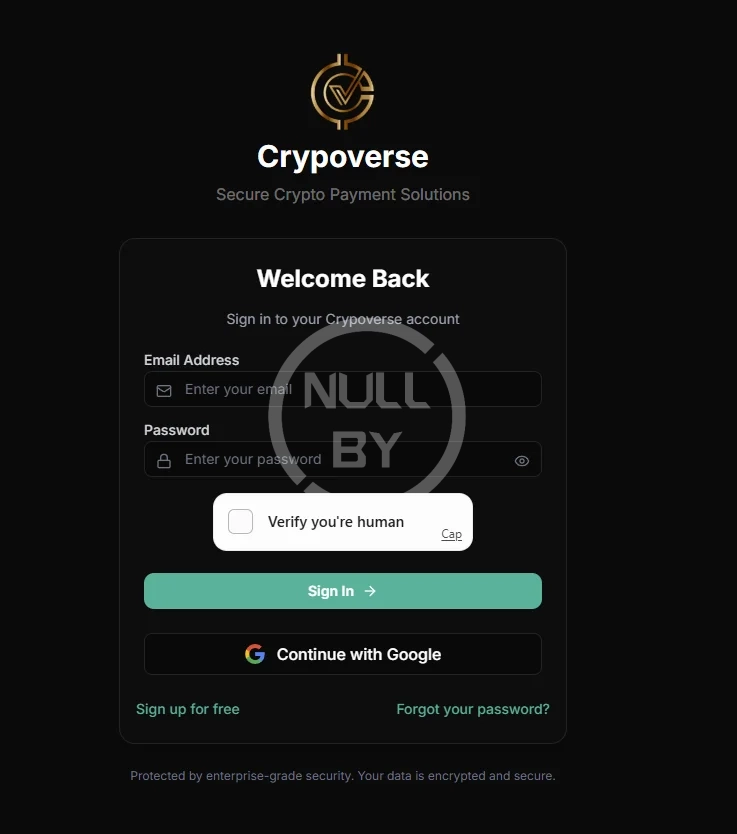
Instead of asking your visitors to identify traffic lights, Cap makes their browser solve a small proof-of-work challenge in the background. There is nothing to click, no images, no tracking, and no third-party account. Because you run the Cap server yourself, no visitor data is sent to Google, Cloudflare, or anyone else.
Requires XenForo 2.2.0+ and your own Cap server. See the setup section below; this add-on does not work on its own.
Important: you must self-host Cap
Cap has no hosted service. There is no signup page, and nobody sells you keys. You run the Cap server on your own machine, create a site key in its dashboard, and point this add-on at it. That is the whole design; it is what makes Cap private.
This means:
You need somewhere to run a small Docker container (a VPS, your existing web server, a home server behind a tunnel, anything reachable from your visitors' browsers).
Each website you run gets its own site key from your dashboard. One Cap instance can serve many sites.
Nothing in this add-on is tied to my server or anyone else's. Every value comes from your own admin panel.
If two forums are configured with the same site key, Cap reports them as one site and all the solves are attributed to that shared key, so give each site its own.
Part 1: Set up your Cap server
1. Create the Docker Compose file
On the server that will run Cap, create docker-compose.yml:
ADMIN_KEY is the password for your Cap dashboard. Make it long and random, at least 32 characters. Anyone with it can create and delete your site keys.
Note the 127.0.0.1:3000:3000 binding: this keeps Cap off the public internet so only your reverse proxy can reach it. If you are not putting it behind a reverse proxy, use "3000:3000" instead, but please read the HTTPS section first.
Start it:
2. Put it behind HTTPS
This step is not optional if your forum runs on HTTPS. Browsers block insecure requests from a secure page, so an https:// forum talking to an http:// Cap instance means the widget silently never loads and nobody can register.
Point a subdomain such as cap.yoursite.com at the server and proxy it to port 3000. An Nginx example:
Run Certbot for the subdomain, and you are done. Apache, Caddy, and Cloudflare Tunnel all work equally well.
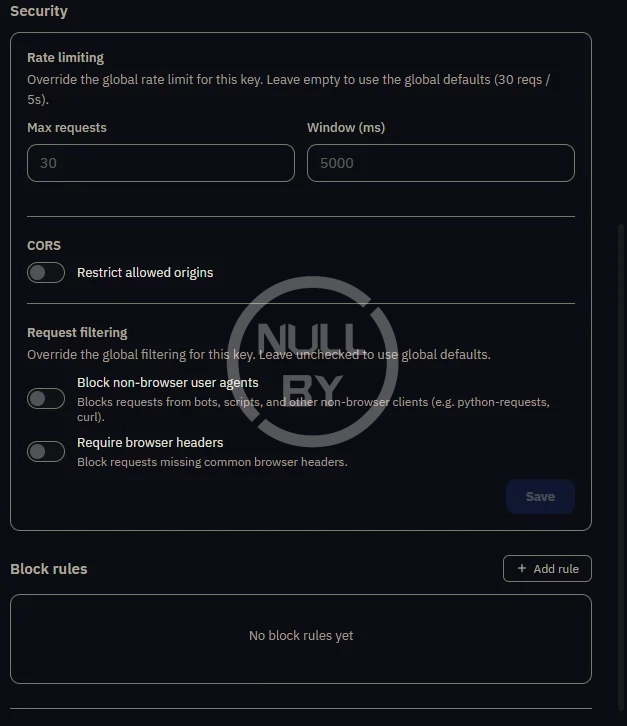
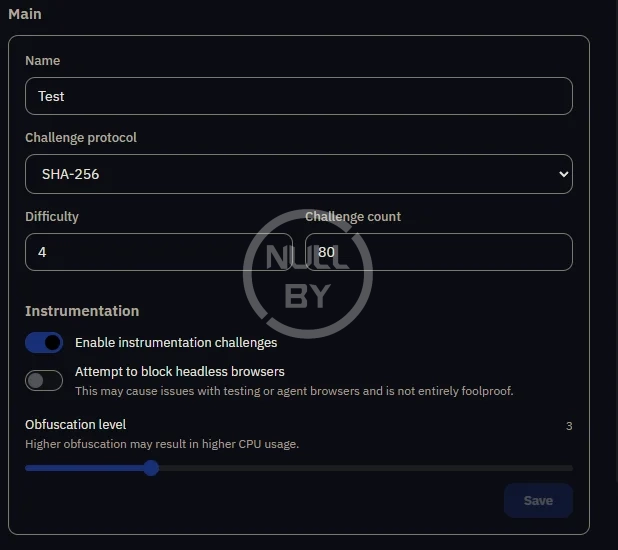
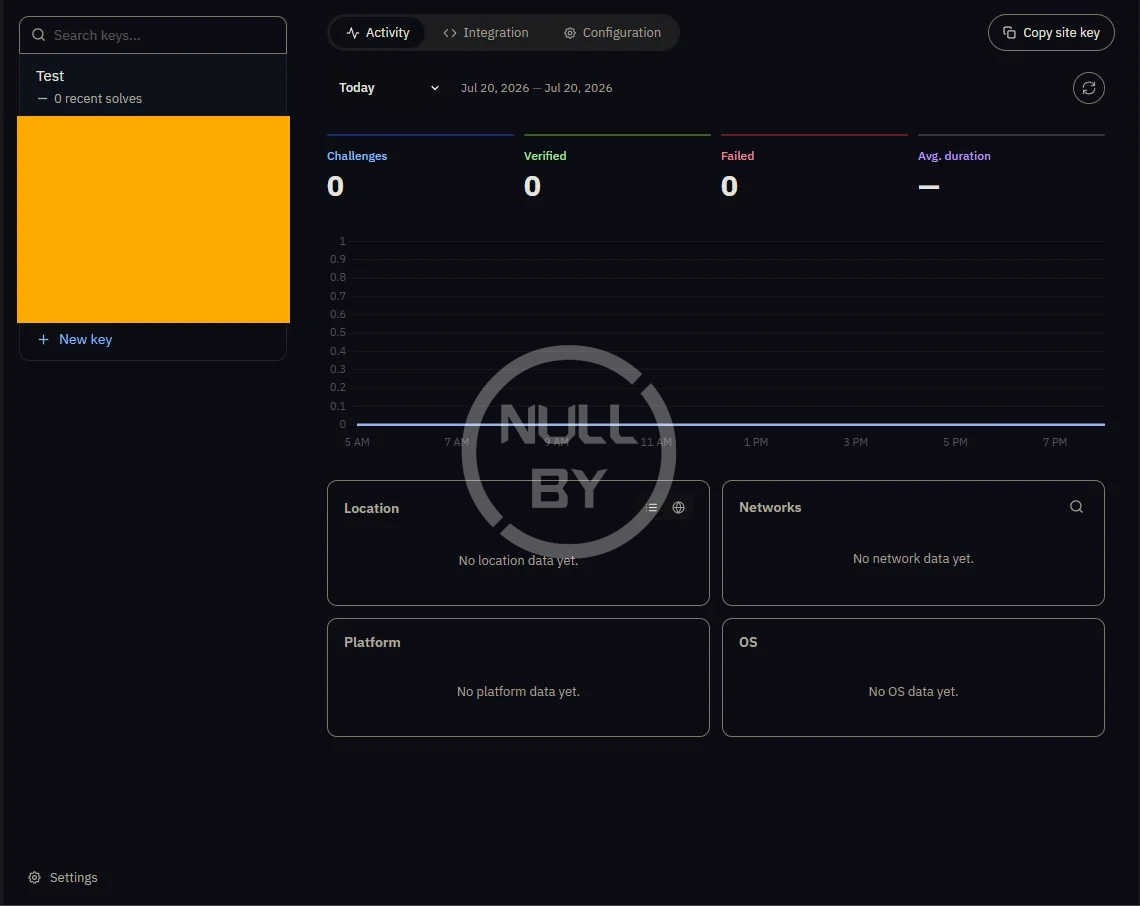
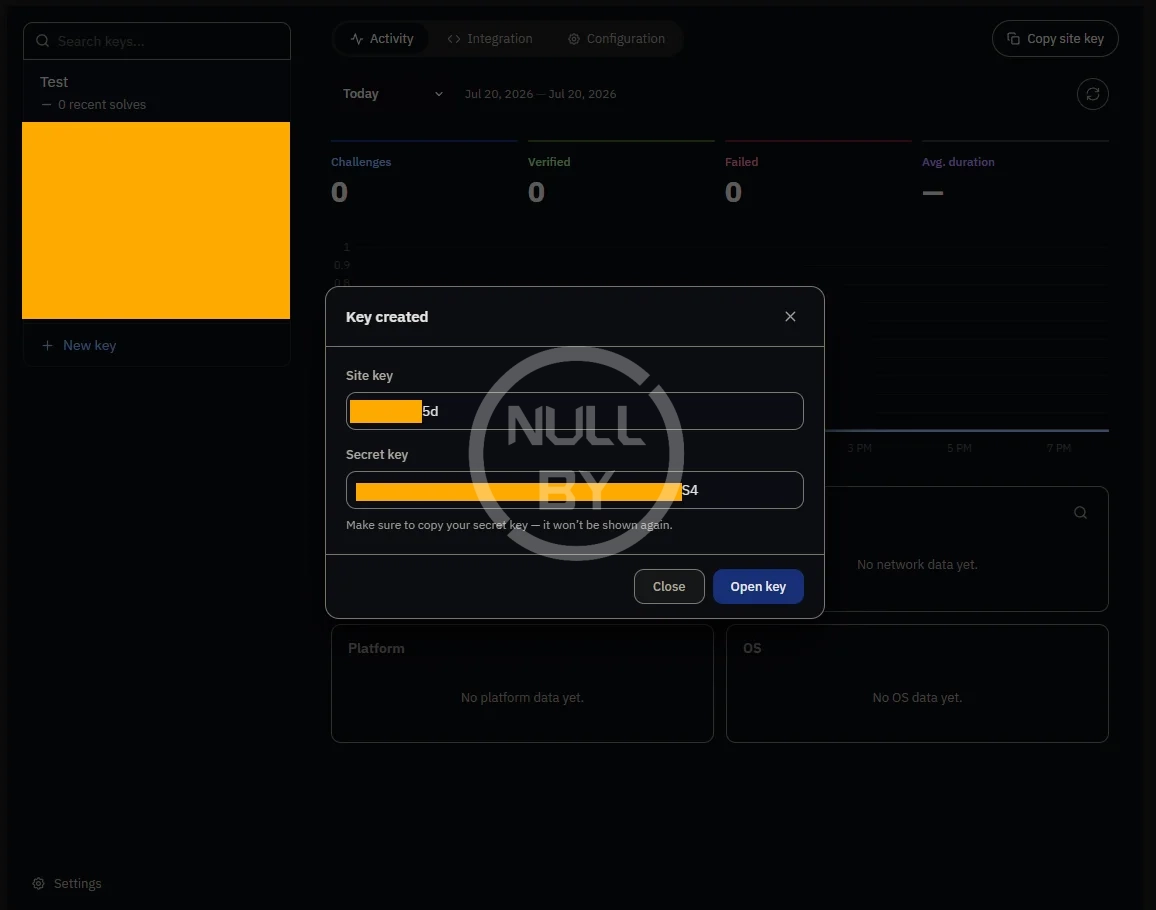
3. Create a site key
Open https://cap.yoursite.com and log in with your ADMIN_KEY.
Create a new key and name it after the forum that will use it.
Copy the site key and the secret key. The secret is shown once you save it now.
The site key is public and appears in your page source. The secret key is used only for server-to-server verification and is never sent to visitors. Do not share it, and do not paste it into a support thread.
Part 2: Install the add-on
Admin panel → Add-ons → Install/upgrade from archive, upload the zip.
Or extract the zip and upload the contents of upload/ to your forum root, then install Cap CAPTCHA from the add-on list.
Part 3: Configure it
Go to Options → Basic options → Enable CAPTCHA for guests and select Use Cap CAPTCHA. Three fields appear:
Cap instance URL: your Cap server's base URL, no trailing slash, e.g. https://cap.yoursite.com
Cap site key the site key you created for this forum
Cap secret key: the secret belonging to that site key
Save, then log out or open a private window and load the registration page. The widget should appear and verification should pass.
If you select Cap and leave any field blank, the add-on shows a red warning in the admin panel telling you that no CAPTCHA is being rendered and every guest submission is being accepted. If you see that warning, you are not protected yet.
How it works
Front end: the public template captcha_cap_captcha renders a <cap-widget> pointed at {instance URL}/{site key}/. On solve, the widget adds a hidden cap-token field to the form.
Back end: the token is verified server-side by POSTing to {instance URL}/{site key}/siteverify with your secret. The submission is accepted only when Cap answers {"success": true}. Tokens are single-use, so replays fail.
Both calls are scoped to your site key, so each forum's traffic is attributed to its own key in the dashboard.
Behaviour you should know about
It fails open, on purpose. Matching XenForo's built-in CAPTCHA providers:
If the keys are blank, nothing is rendered, and everyone passes.
If your CAP server is unreachable or returns a 5xx, everyone passes, and the error is logged.
This is so an outage on your CAP box cannot lock guests out of registration. The trade-off is that a broken install looks exactly like a working one from the outside, which is why the admin warning and the error logging exist. If a CAPTCHA that stops working is worse for you than registration going down, this is the behaviour to change first; it is a few lines in Captcha/Cap.php.
The widget script loads from jsDelivr. The add-on pulls @cap.js/widget from cdn.jsdelivr.net (pinned to an exact version). Your visitors' browsers therefore contact jsDelivr on pages showing the CAPTCHA. If that matters for your jurisdiction or your privacy policy, download cap.min.js, drop it somewhere under your forum root, and change the <xf:js src="..."> line in the captcha_cap_captcha template to point at your copy. Everything else keeps working. I am flagging this openly because it is a fair thing to object to in a self-hosted privacy add-on.
Troubleshooting
The widget does not appear. View the registration page source as a guest and look for:
That URL is built from your saved options, so it tells you exactly which instance and key the forum is really using. No tag at all means the options were never saved. If the tag is there but nothing renders, open your browser console; a blocked mixed-content request or a blocked CDN will show up there.
The dashboard shows no solves for this key. Confirm the key in the tag above is the key you think it is. Two forums sharing a site key report as one site, and the unused key stays at zero.
Verification always fails. Check Setup → Error logs. Every failed verification is logged with the exact endpoint it tried to reach, so a wrong instance URL or site key is visible there.
Instead of asking your visitors to identify traffic lights, Cap makes their browser solve a small proof-of-work challenge in the background. There is nothing to click, no images, no tracking, and no third-party account. Because you run the Cap server yourself, no visitor data is sent to Google, Cloudflare, or anyone else.
Requires XenForo 2.2.0+ and your own Cap server. See the setup section below; this add-on does not work on its own.
Important: you must self-host Cap
Cap has no hosted service. There is no signup page, and nobody sells you keys. You run the Cap server on your own machine, create a site key in its dashboard, and point this add-on at it. That is the whole design; it is what makes Cap private.
This means:
You need somewhere to run a small Docker container (a VPS, your existing web server, a home server behind a tunnel, anything reachable from your visitors' browsers).
Each website you run gets its own site key from your dashboard. One Cap instance can serve many sites.
Nothing in this add-on is tied to my server or anyone else's. Every value comes from your own admin panel.
If two forums are configured with the same site key, Cap reports them as one site and all the solves are attributed to that shared key, so give each site its own.
Part 1: Set up your Cap server
1. Create the Docker Compose file
On the server that will run Cap, create docker-compose.yml:
ADMIN_KEY is the password for your Cap dashboard. Make it long and random, at least 32 characters. Anyone with it can create and delete your site keys.
Note the 127.0.0.1:3000:3000 binding: this keeps Cap off the public internet so only your reverse proxy can reach it. If you are not putting it behind a reverse proxy, use "3000:3000" instead, but please read the HTTPS section first.
Start it:
2. Put it behind HTTPS
This step is not optional if your forum runs on HTTPS. Browsers block insecure requests from a secure page, so an https:// forum talking to an http:// Cap instance means the widget silently never loads and nobody can register.
Point a subdomain such as cap.yoursite.com at the server and proxy it to port 3000. An Nginx example:
Code:
server {
    listen 443 ssl http2;
    server_name cap.yoursite.com;
    ssl_certificate     /etc/letsencrypt/live/cap.yoursite.com/fullchain.pem;
    ssl_certificate_key /etc/letsencrypt/live/cap.yoursite.com/privkey.pem;
    location / {
        proxy_pass http://127.0.0.1:3000;
        proxy_set_header Host              $host;
        proxy_set_header X-Real-IP         $remote_addr;
        proxy_set_header X-Forwarded-For   $proxy_add_x_forwarded_for;
        proxy_set_header X-Forwarded-Proto $scheme;
    }
}
Run Certbot for the subdomain, and you are done. Apache, Caddy, and Cloudflare Tunnel all work equally well.
3. Create a site key
Open https://cap.yoursite.com and log in with your ADMIN_KEY.
Create a new key and name it after the forum that will use it.
Copy the site key and the secret key. The secret is shown once you save it now.
The site key is public and appears in your page source. The secret key is used only for server-to-server verification and is never sent to visitors. Do not share it, and do not paste it into a support thread.
Part 2: Install the add-on
Admin panel → Add-ons → Install/upgrade from archive, upload the zip.
Or extract the zip and upload the contents of upload/ to your forum root, then install Cap CAPTCHA from the add-on list.
Part 3: Configure it
Go to Options → Basic options → Enable CAPTCHA for guests and select Use Cap CAPTCHA. Three fields appear:
Cap instance URL: your Cap server's base URL, no trailing slash, e.g. https://cap.yoursite.com
Cap site key the site key you created for this forum
Cap secret key: the secret belonging to that site key
Save, then log out or open a private window and load the registration page. The widget should appear and verification should pass.
If you select Cap and leave any field blank, the add-on shows a red warning in the admin panel telling you that no CAPTCHA is being rendered and every guest submission is being accepted. If you see that warning, you are not protected yet.
How it works
Front end: the public template captcha_cap_captcha renders a <cap-widget> pointed at {instance URL}/{site key}/. On solve, the widget adds a hidden cap-token field to the form.
Back end: the token is verified server-side by POSTing to {instance URL}/{site key}/siteverify with your secret. The submission is accepted only when Cap answers {"success": true}. Tokens are single-use, so replays fail.
Both calls are scoped to your site key, so each forum's traffic is attributed to its own key in the dashboard.
Behaviour you should know about
It fails open, on purpose. Matching XenForo's built-in CAPTCHA providers:
If the keys are blank, nothing is rendered, and everyone passes.
If your CAP server is unreachable or returns a 5xx, everyone passes, and the error is logged.
This is so an outage on your CAP box cannot lock guests out of registration. The trade-off is that a broken install looks exactly like a working one from the outside, which is why the admin warning and the error logging exist. If a CAPTCHA that stops working is worse for you than registration going down, this is the behaviour to change first; it is a few lines in Captcha/Cap.php.
The widget script loads from jsDelivr. The add-on pulls @cap.js/widget from cdn.jsdelivr.net (pinned to an exact version). Your visitors' browsers therefore contact jsDelivr on pages showing the CAPTCHA. If that matters for your jurisdiction or your privacy policy, download cap.min.js, drop it somewhere under your forum root, and change the <xf:js src="..."> line in the captcha_cap_captcha template to point at your copy. Everything else keeps working. I am flagging this openly because it is a fair thing to object to in a self-hosted privacy add-on.
Troubleshooting
The widget does not appear. View the registration page source as a guest and look for:
HTML:
<cap-widget data-cap-api-endpoint="https://cap.yoursite.com/<site key>/"></cap-widget>That URL is built from your saved options, so it tells you exactly which instance and key the forum is really using. No tag at all means the options were never saved. If the tag is there but nothing renders, open your browser console; a blocked mixed-content request or a blocked CDN will show up there.
The dashboard shows no solves for this key. Confirm the key in the tag above is the key you think it is. Two forums sharing a site key report as one site, and the unused key stays at zero.
Verification always fails. Check Setup → Error logs. Every failed verification is logged with the exact endpoint it tried to reach, so a wrong instance URL or site key is visible there.


![[Olakunlevpn] PhpCaptcha](/data/resource_icons/27/27795.jpg?1780076160)
![[OzzModz] Store Captcha Questions/Answers](/data/resource_icons/12/12297.jpg?1720149296)
![[Roi] ALTACHA CAPTCHA](/data/resource_icons/26/26590.jpg?1763226904)