
![[cXF] Change default FA node icon](/data/resource_icons/19/19738.jpg?1720149334)
- XF Compatibility
- 2.2.x
- 2.3.x
- Short Description
- Change your default Font Awesome node icons with ease using our easy-to-follow guide. Add custom codes in extra.less template for XF2.3 & 2.2, or use the same icon for all nodes. For Pro and Brand styles, refer to our detailed instructions. Find node ID help here: [help resource].
Would you like to change your default Font Awesome node icons like this?
< read node >
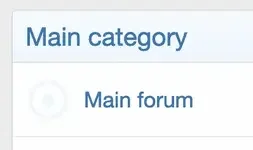
< unread node >
[ATTACH type="full"...
< read node >
< unread node >
[ATTACH type="full"...
You do not have permission to view the full content of this resource.
Log in or register now.


![[cXF] Icons in sidenav on Account page](/data/resource_icons/19/19736.jpg?1720149334)
![[cXF] Coloured Node Icons](/data/resource_icons/19/19740.jpg?1720149334)
![[cXF] Node icons with image](/data/resource_icons/21/21023.jpg?1720551794)