- Short Description
- Embed dynamic content with advanced iframe features. Modify and resize pages seamlessly or use our plugin for same-domain setups. Check feature availability before purchase at www.tinywebgallery.com/blog/advanced-iframe/. For installation, visit /wp-content/plugins/advanced-iframe. Secure your setup with the quick start guide and admin settings.

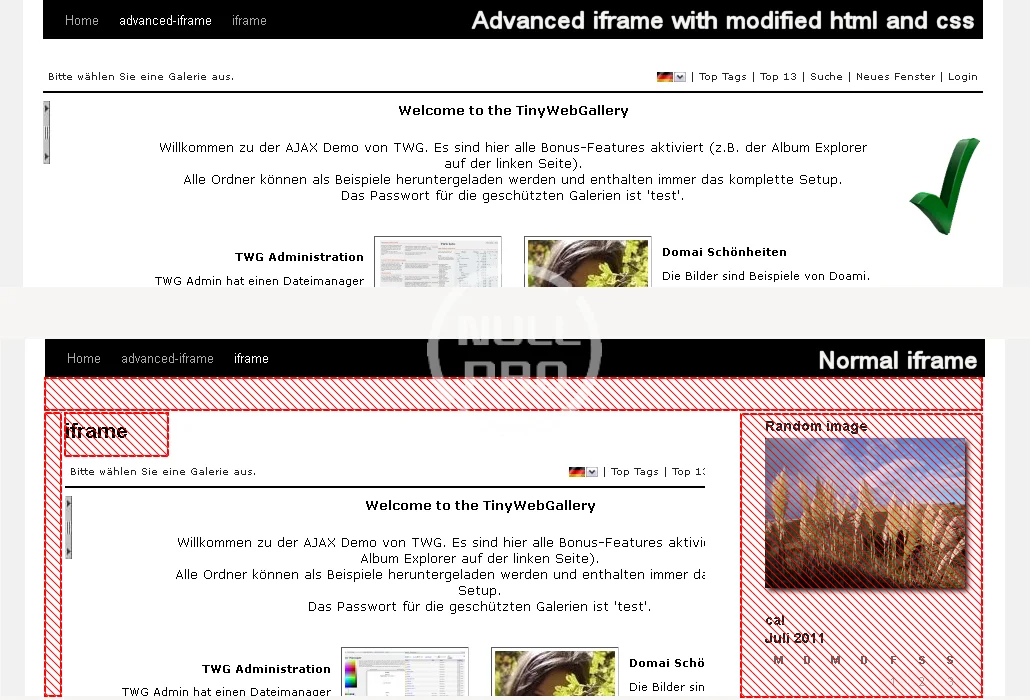
Include content the way YOU like in an iframe that can hide and modify elements and forward parameters. You can also embed content directly or show a part of an iframe.
Quick start guide
The quickstart guide is also available as video tutorial.
To include a webpage to your page please check the following things first:
- Check if your page page is allowed to be included:
http://www.tinywebgallery.com/blog/advanced-iframe/free-iframe-checker! - Check if the iframe page and the parent page are one the same domain. www.example.com and text.example.com are different domains!
- Can you modify the page that should be included?
- iframe cannot be included: You cannot include the content because the owner does not allow this.
- iframe can be included and you are on a different domain: See the feature comparison chart and the features availability overview. To resize the content to the height/width or modify css you need to modify the remote iframe page by adding one line of Javascript to enable the provided workaround.
- Iframe can be included and you are on the same domain: All features of the plugin can be used.
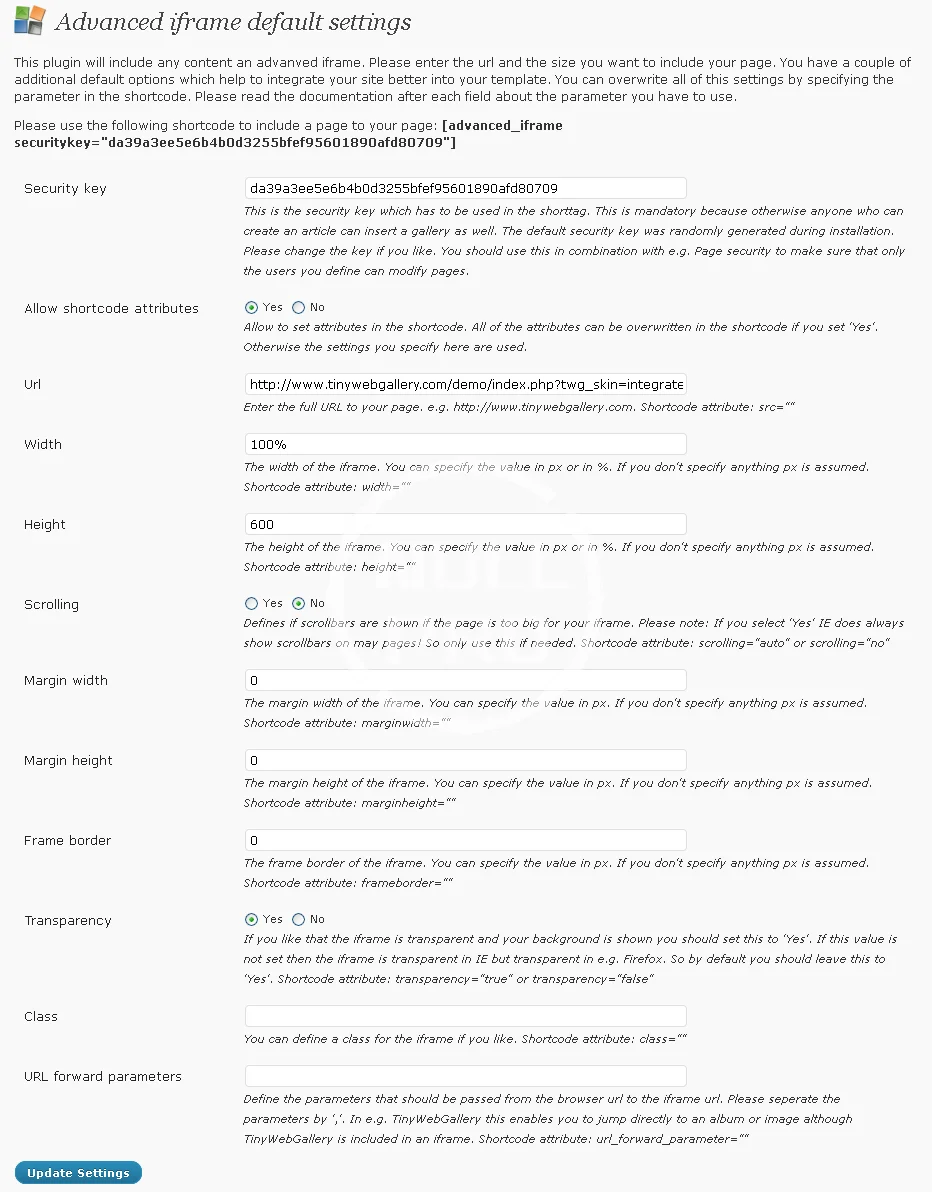
To enter a simple iframe please go to the administration and follow the instructions on the basic settings tab. There you can either use a basic shortcode and set the settings in the administration or overwrite the settings directly in the shortcode. Please also read the FAQ and look at the free and pro examples.
Advanced users that have their own server might also setup a reverse proxy if the iframe page is on a different domain and cannot use the external workaround. See this blog for details.
If you mix http and https read this blog. Parent https and iframe http does not work on all mayor browsers!
Installation
- Install the zip with the default plugin installer of WordPress or upload the folder ‘advanced-iframe’ from the zip file to the ’/wp-content/plugins ’ directory. Make sure the file advanced-iframe.php is in the directory /wp-content/plugins/advanced-iframe
- Activate the plugin through the ‘Plugins’ menu in WordPress
- Place ‘[advanced_iframe]’ in your pages or posts. The optional security key can be found at Settings -> Advanced iFrame Pro
Content of this hidden block can only be seen by members of: Bronze Member